Beebo Auto is available as a sideload test download, not on Google Play. It had a first real-car check on Oct 6, 2026 (one car, one drive: sign-in, movies and shows list, fast-forward, sound, steering-wheel buttons). Not tested yet: other cars, car-screen titles and artwork, music, away from home, passenger games, Car Party. Watch Together, Car Party and QR joining are in Beta and in-car synchronization is still in development; none is ready to rely on for a passenger session.
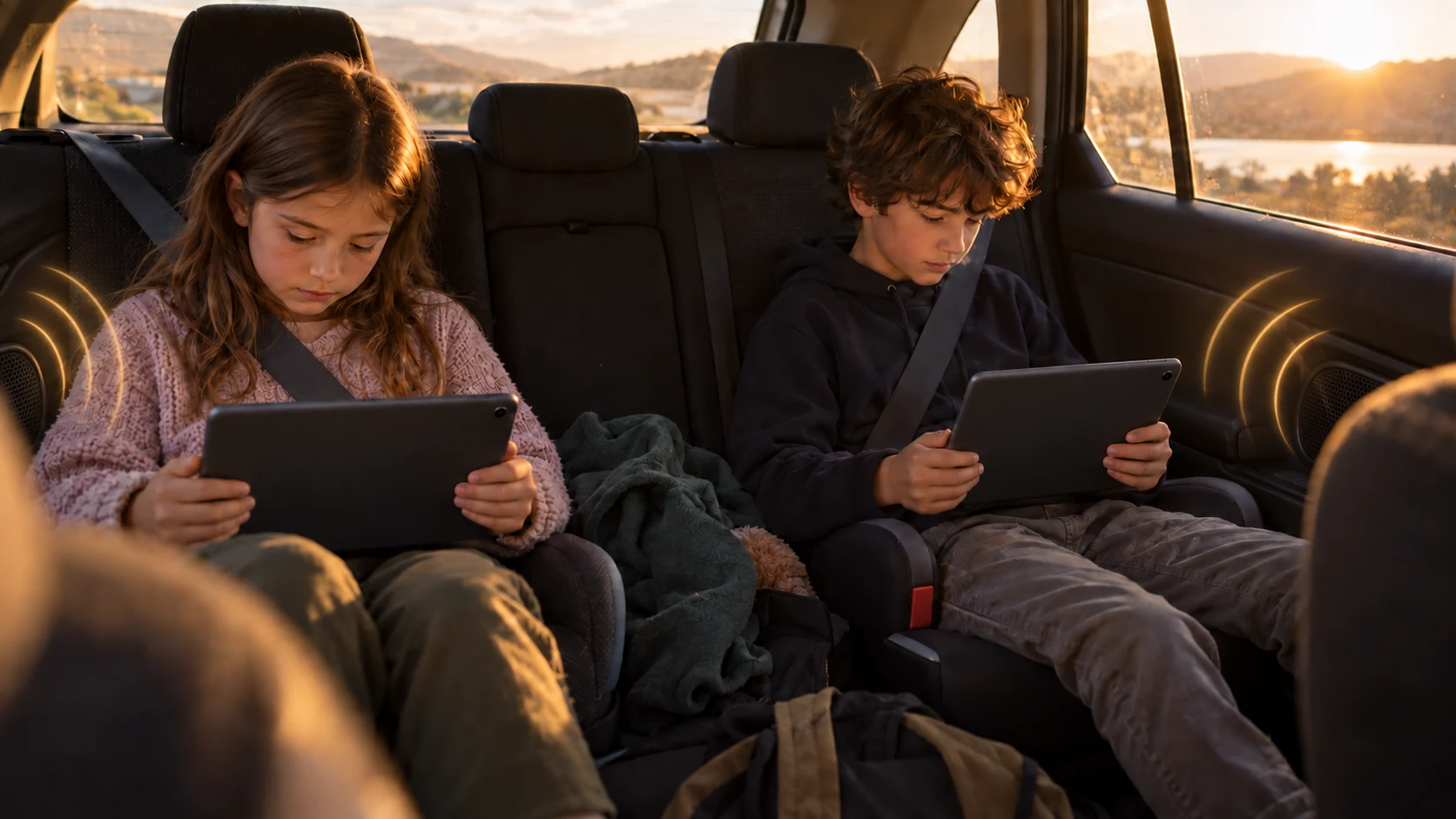
Passengers only, never the driver. Do not watch video or handle a phone, game or party controls while driving. The picture above is a concept, not a real-car test or a promise that the group features work today.
Watch Together worked on two Android phones in one home on October 2 and 3, 2026. It has not been tried in a car, and testing with more phones is unfinished. Known problems: a viewer whose app is closed and reopened does not rejoin the party. The Back key in the Watch Together panel and the notice when a party ends are fixed in the next test build. Do not plan a shared movie around it yet.
Keeping several passenger screens and car audio in step is a design goal, not a tested in-car feature. Timing and audio-route behavior still need real-device checks.
A host phone and a passenger phone tried Car Party on October 3, 2026. Problems were found with QR joining and with loading videos after joining. They are not confirmed fixed on real phones, and Car Party has not been tried in a real car. Android 1.51-tester11 keeps Wi-Fi names in other alphabets in the join QR code (checked by automatic tests only). Car Party privacy fixes are in the next test build.
Beebo Auto includes passenger-game ideas, but this page does not certify them for real-car use. Games are for passengers only, never for the driver. Check each game's current status before trying it.
The Android Auto companion is a sideload test build, not a Google Play listing. It had a first real-car check on one car on Oct 6, 2026 (sign-in, movies and shows list, fast-forward, sound, steering-wheel buttons); other cars, music, car-screen titles and artwork, away from home, passenger games and Car Party are not tested yet.
Beebo is designed around media you provide. Network access, playback and available controls depend on the app, device and connection. Test with your own authorized sample before relying on a route away from home.
Version 1.18 is a sideload test build. Real-car use and car-speaker playback have not been verified.
The Android app is a Test download, not on Google Play. Watch Together and Car Party are in Beta and not ready to rely on.
Driver safety: Never watch video or use a phone, game or group controls while driving. Passengers must follow local laws and position screens so they do not distract the driver. No Beebo in-car feature has been confirmed by a real-car test.